Return to All Articles
Article Sections
1. Getting Started
2. Leads
3. Library
4. Sales Template
5. Estimate
6. Proposal
7. Invoice
8. Change Order
9. Organization Management
10. Team Management
Save a Revision of an Estimate
Learn how to save a revision of an estimate step-by-step.
By Erro Support | 01/25/2026
2 min read
Estimate
1. Create Estimate
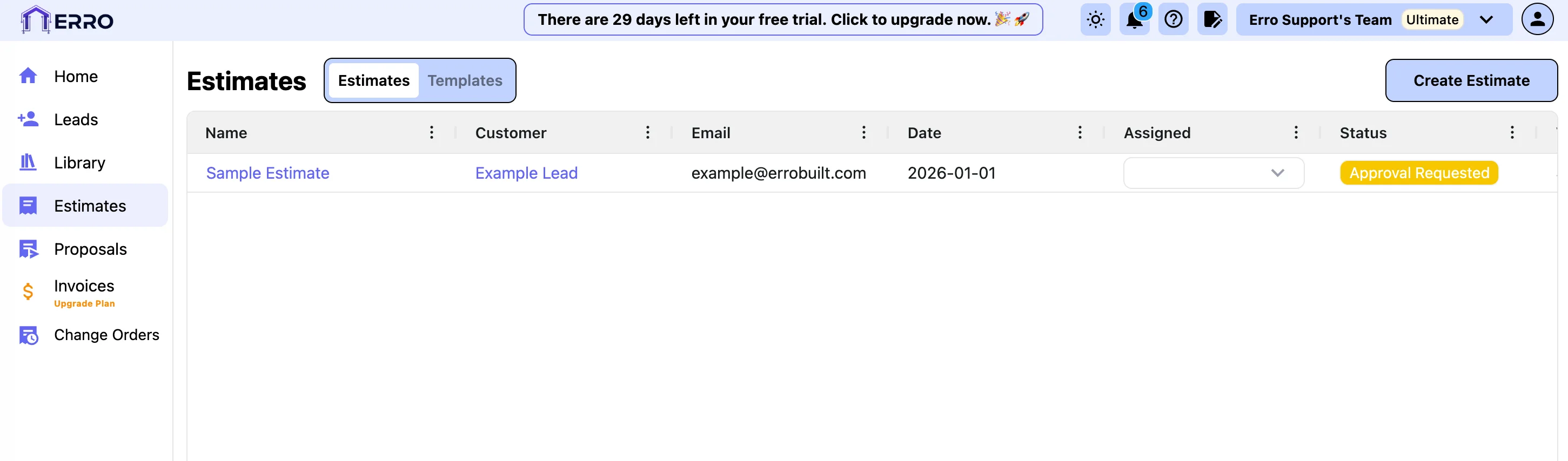
2. Choose a template to get started
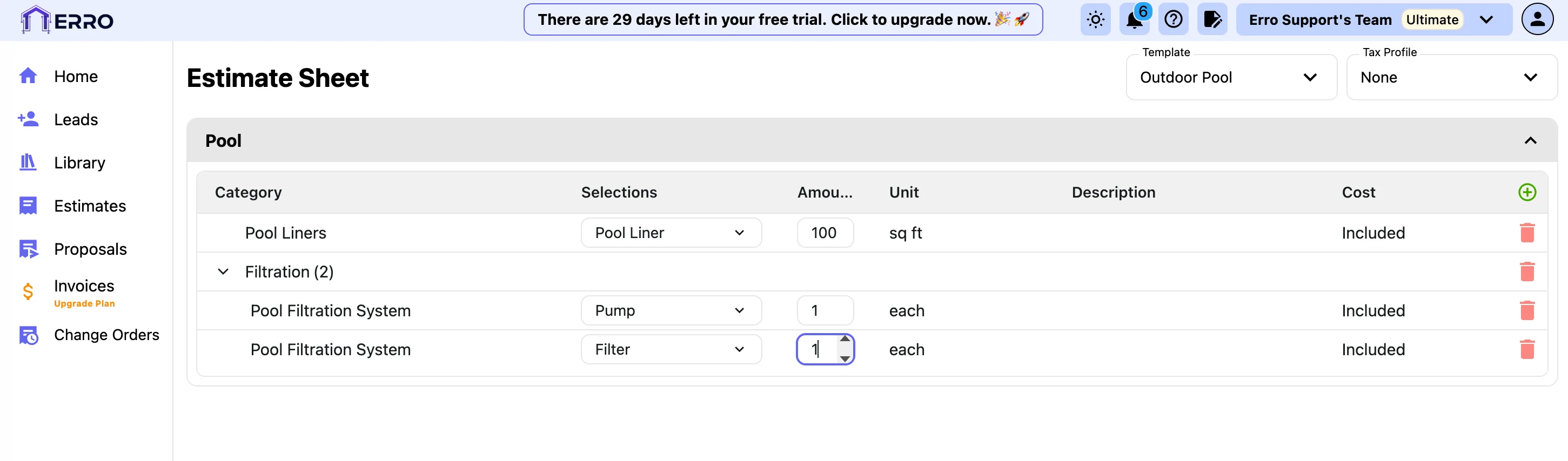
3. Assign a Tax Profile
4. Manually add items to your estimate
5. Delete items you don't need
6. Assign Estimate to a Lead
7. Add a Name to your Estimate
Other Estimate Articles
Explore more articles to help you get the most out of Erro.
Create an Estimate
Step-by-step guide to creating an estimate.
Estimate
2 min read
1/25/2026

Erro Support
Approve or Reject an Estimate
Step-by-step guide to approving or rejecting an estimate.
Estimate
2 min read
1/25/2026
Erro Support