Return to All Articles
Article Sections
1. Getting Started
2. Leads
3. Library
4. Sales Template
5. Estimate
6. Proposal
7. Invoice
8. Change Order
9. Organization Management
10. Team Management
Create an Email Campaign
Learn how to create an email campaign step-by-step.
By Erro Support | 01/25/2026
5 min read
Leads
1. Create an Email Campaign
Start by going to the leads page, switching to the 'Outreach' tab, and clicking 'Add Campaign'.

2. Enter Campaign Information
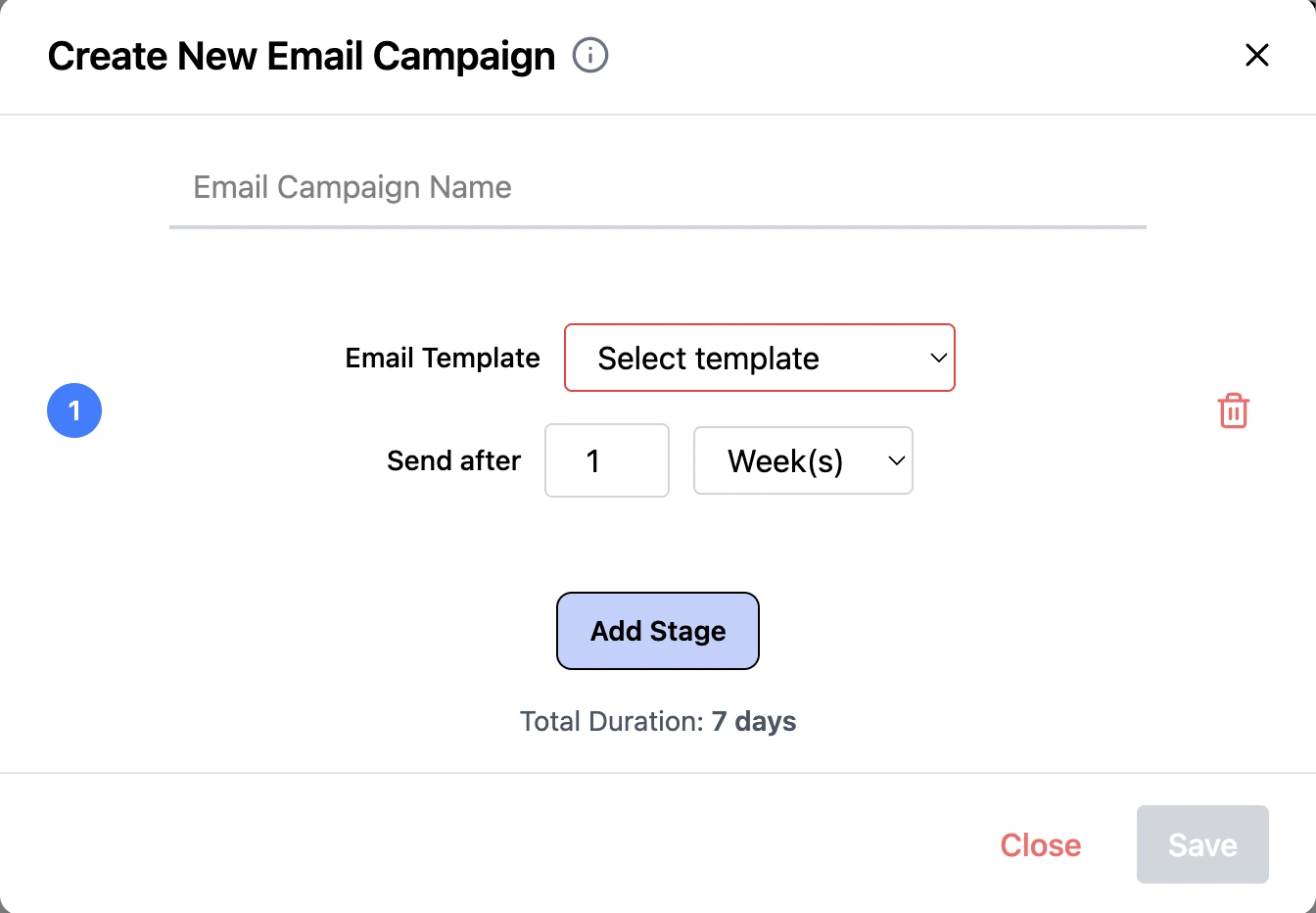
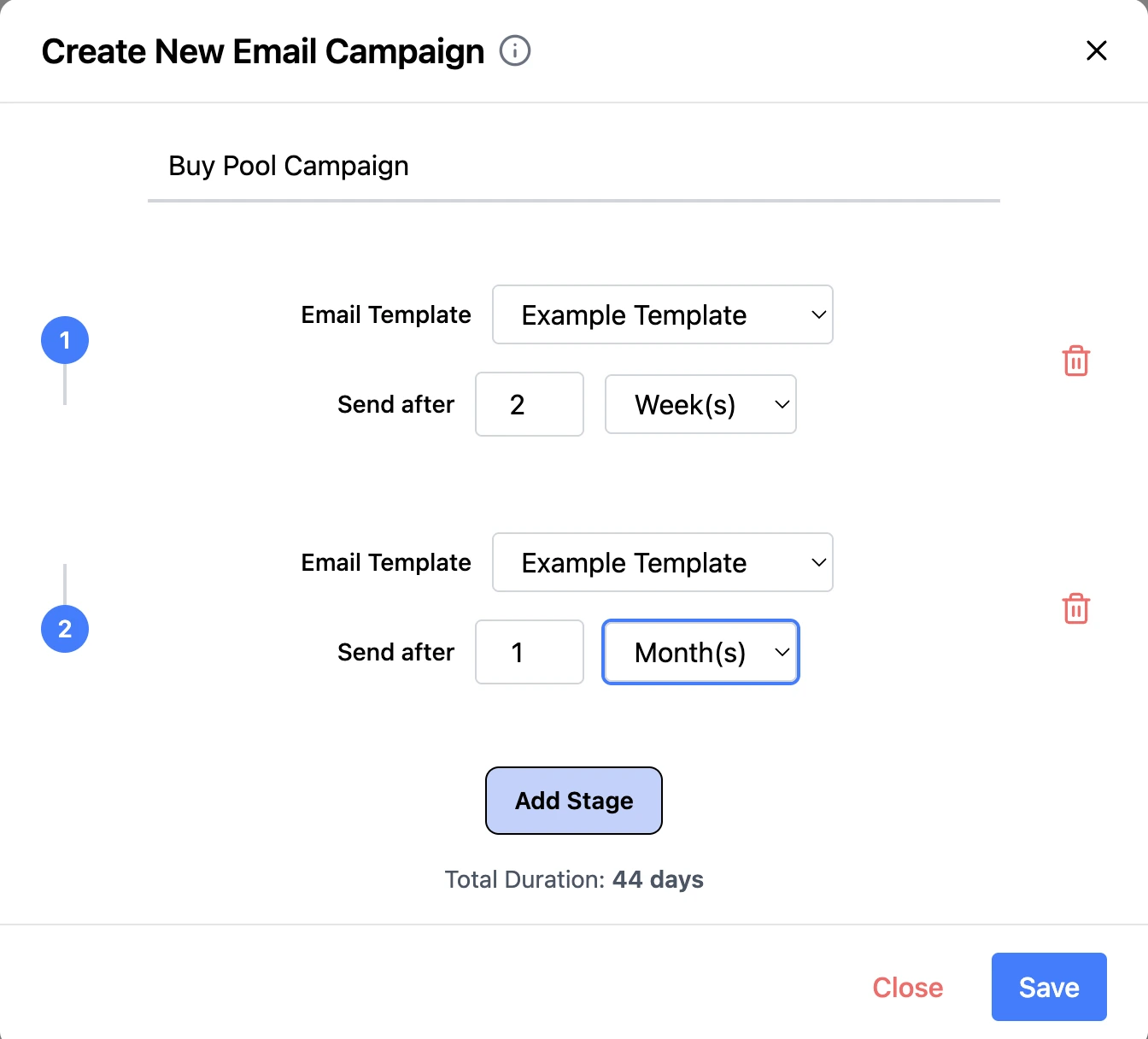
Start by naming your campaign. Use 'Add Stage' to select an email template and define the send frequency for each stage. Continue adding stages to create a complete, multi-step email flow.
3. Save Email Campaign
After configuring all stages, click 'Save' to create your email campaign.
Other Leads Articles
Explore more articles to help you get the most out of Erro.
Add a Tag or Stage to a Lead
Learn how to add a tag or stage to a lead.
Leads
5 min read
1/25/2026

Erro Support
Create an Email Template
Learn how to create an email template.
Leads
5 min read
1/25/2026
Erro Support
Edit Your Lead Form
Learn how to customize and edit your lead form.
Leads
5 min read
1/25/2026
Erro Support
Embed Your Lead Form
Learn how to embed your lead form on your website.
Leads
5 min read
1/25/2026
Erro Support