Return to All Articles
Article Sections
1. Getting Started
2. Leads
3. Library
4. Sales Template
5. Estimate
6. Proposal
7. Invoice
8. Change Order
9. Organization Management
10. Team Management
Create a Budget
Learn how to create a budget for your library step-by-step.
By Erro Support | 01/25/2026
5 min read
Library
1. Create a Budget for the Library
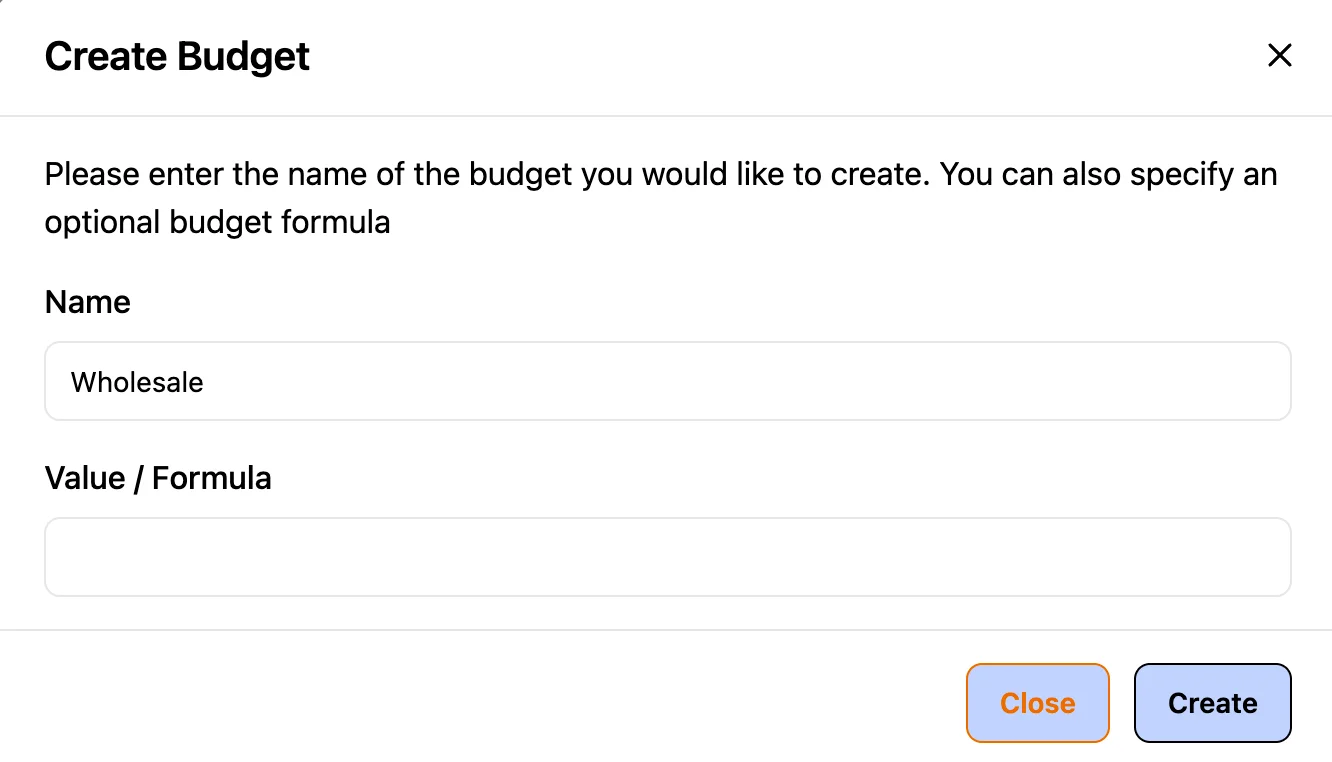
After adding items, you can create a budget by clicking the 'Add Budget' button. It will ask for a budget name and an optional value/formula to calculate the budget total. You can create multiple budgets to track different cost scenarios.
2. Associate Item Costs with the Budget
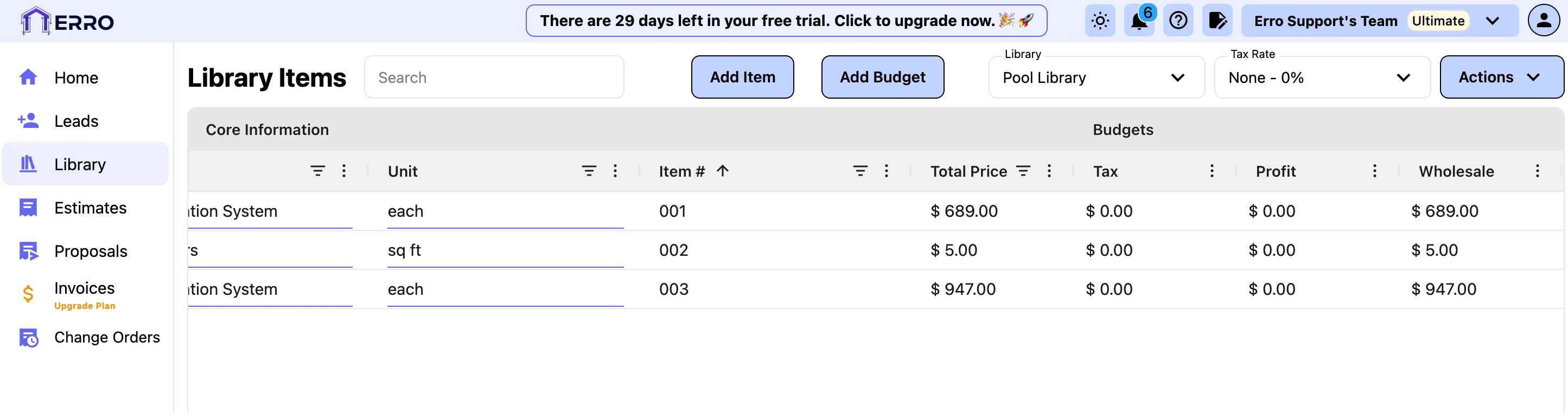
Next, associate item costs with the budget by double clicking the box within the desired budget column. Enter the cost for that item in relation to the budget and click enter. This budget will automatically get calculated into the total price.
Other Library Articles
Explore more articles to help you get the most out of Erro.
Create a Library
Create and manage your product library.
Library
5 min read
1/25/2026

Erro Support
Calculate Profit for Library Items
Set and calculate profit margins for your library items.
Library
5 min read
1/25/2026
Erro Support
Calculate Tax for Library Items
Set and calculate tax for your library items.
Library
5 min read
1/25/2026
Erro Support